
Return Address Stamp Generator
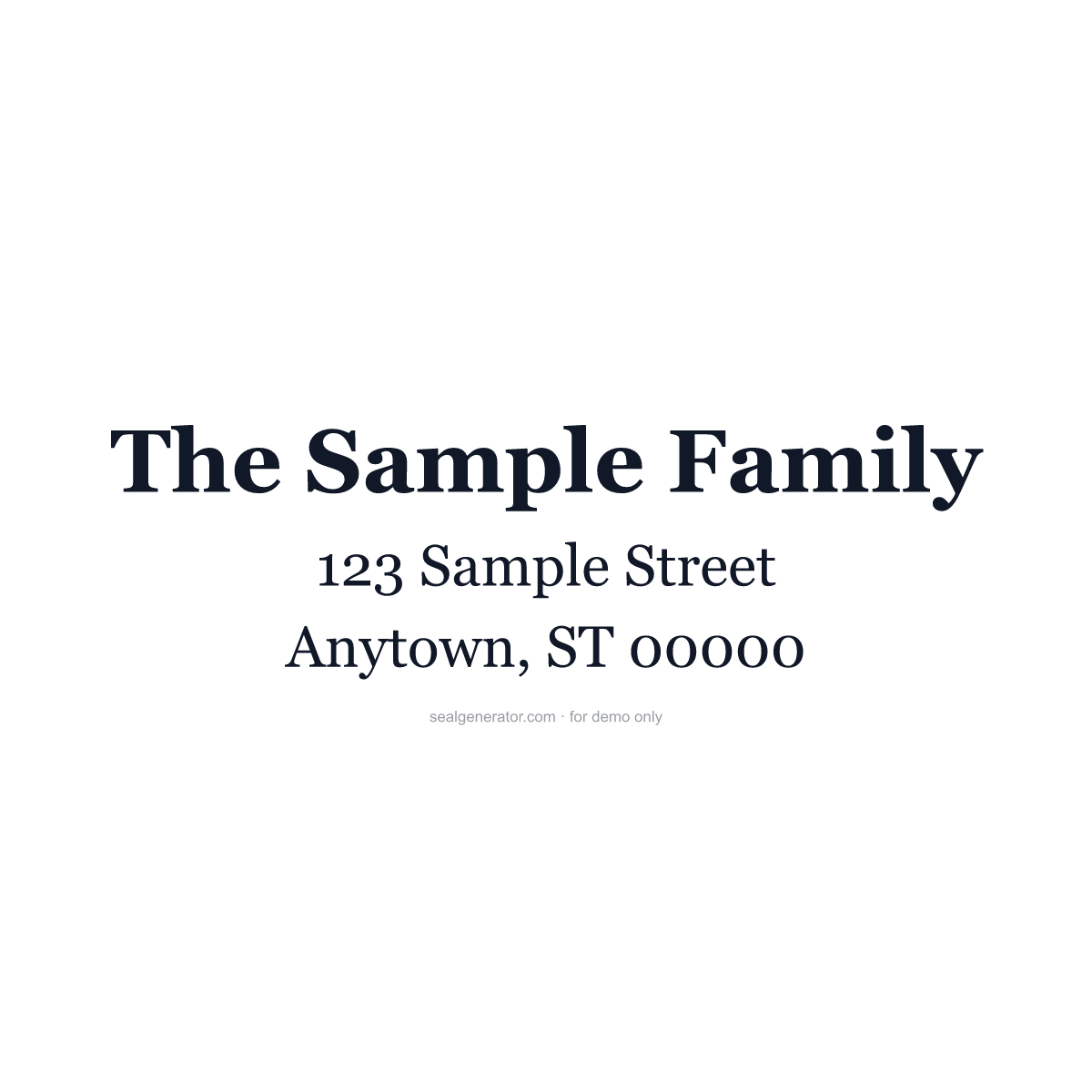
Design a return address stamp for envelopes and packages — your name or family name, street address and City, ST ZIP code on three clean lines, ready to print on labels or send to a stamp maker.
Make this seal your own
Open this template in the free online editor to change the text, fonts, colors and size, then export a transparent PNG or vector SVG.
Customize in editorAt a glance
- Shape
- Rectangular stamp
- Ink colour
- #111827
- Typeface
- Georgia
- First line
- The Sample Family
- Lines
- 3 lines
- Border
- None
About this seal
A return address stamp saves writing your address on every envelope, holiday card or package. The US Postal Service expects the return address in the upper-left corner of the envelope in the same format as the delivery address: the name on the first line, the street address, and the city, two-letter state abbreviation and ZIP Code (ZIP+4 if you like) on the last line. Wedding invitations and holiday cards often use a script or serif family name; businesses add a company name or logo.
Common uses
- Holiday cards, wedding invitations and thank-you notes
- Bill payments and everyday household mail
- Small-business envelopes and package labels
- Printable address labels and stamp orders
How to create it
- Open the template — the three-line return address layout is pre-applied.
- Replace The Sample Family with your name or family name.
- Edit the street line and the City, ST ZIP line.
- Pick a font and color, and add a border if you want one.
- Export a transparent PNG, SVG or PDF for labels or your stamp order.
Frequently asked questions
How should a return address be formatted?
Name on the first line, street address on the second, and City, ST ZIP on the last — the same format as the delivery address, placed in the upper-left corner of the envelope.
What size is a return address stamp?
Common self-inking return address stamps are about 1½ × ½ inch to 2⅜ × ⅞ inch. Set the width in the editor to match the stamp you plan to order.
Legal & usage
Stamps render in your browser and nothing you type is uploaded. Use your own address, or one you have permission to use.
Related templates
Read more
- US Corporate Seals: Optional by Law, Still in the DrawerNo US state requires a corporate seal, yet embossers still appear on stock certificates and documents sent abroad. What state law says and how to go digital.
- How to Design a Company Seal: A Complete GuideEvery element of a company seal (ring text, fonts, center star, borders, anti-counterfeit codes) and how to combine them into a clean, balanced design.
- How to Add a Seal to a PDF or Word DocumentStep-by-step: export a transparent seal and place it cleanly into Word, PDF, or an image, over the content without pushing it around.
- How to Create a Transparent PNG SealWhy seals need a transparent background, how to export one, when to use high-resolution or SVG instead, and how to place it cleanly into documents and images.