
Address Stamp Generator
Design a custom return-address stamp — the street address arranged around a monogram or initials in a square frame — for envelopes, packaging and stationery mock-ups.
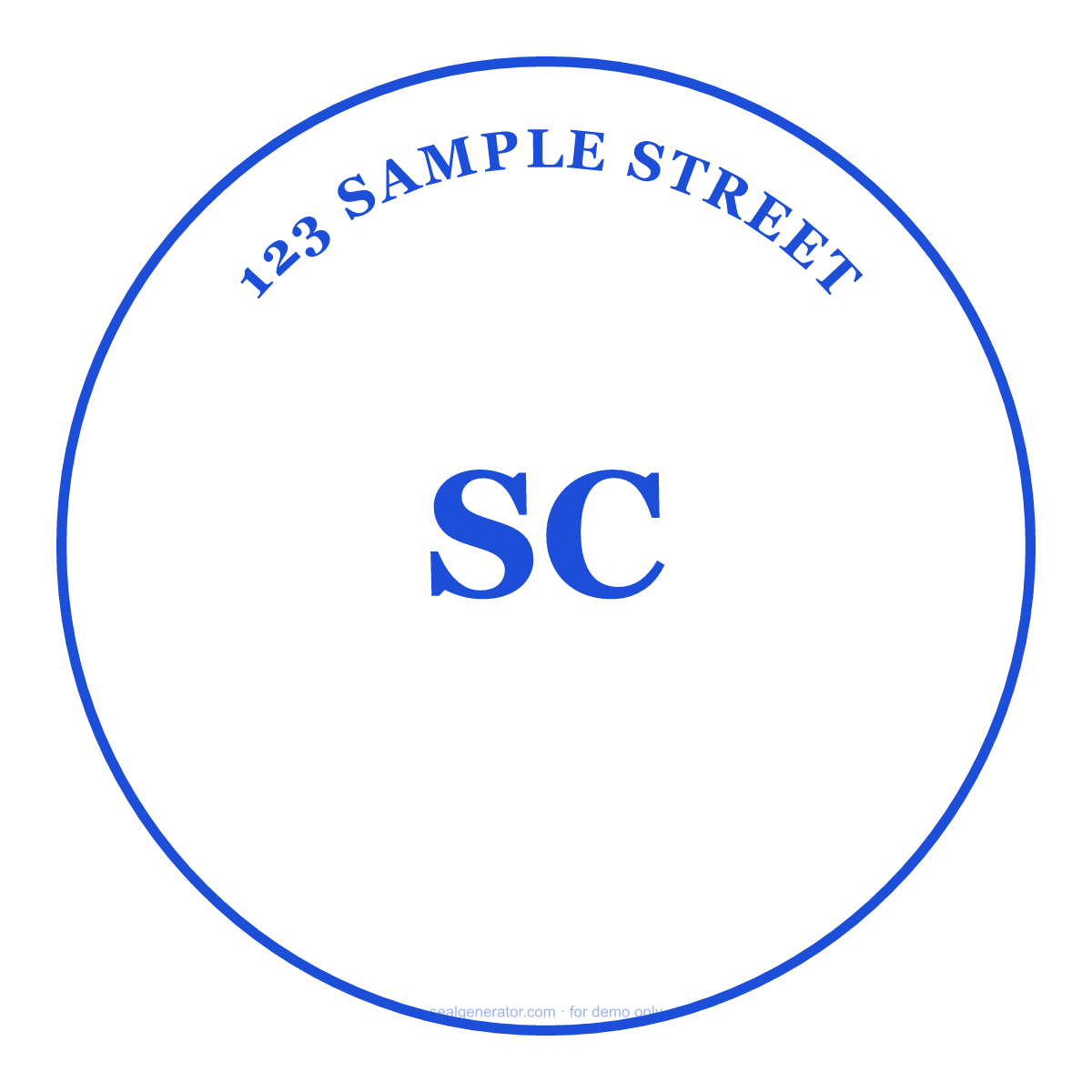
Make this seal your own
Open this template in the free online editor to change the text, fonts, colors and size, then export a transparent PNG or vector SVG.
Customize in editorAt a glance
- Shape
- Square
- Ink colour
- #1D4ED8
- Centre element
- SC
- Typeface
- Georgia
- Ring text
- 123 SAMPLE STREET
- Border
- Single ring
About this seal
An address stamp imprints a return or business address in one press, saving handwriting on every envelope. A popular square design places the street address as lines of text with initials or a small monogram at the center. Households and small businesses use them on outgoing mail, packaging, thank-you cards and invitations for a consistent, polished look.
Common uses
- Return addresses on envelopes and packages
- Wedding invitations and thank-you cards
- Small-business shipping and packaging
- Consistent stationery branding
How to create it
- Open the template — the square address-stamp layout is pre-applied.
- Enter the street address lines.
- Set initials or a small monogram at the center if you want one.
- Choose a font, color and size to match your stationery.
- Export a transparent PNG or SVG.
Frequently asked questions
Is the address stamp square or round?
This template uses a square frame, which suits multi-line addresses well. You can adjust the layout and font in the editor.
Can I include initials or a monogram?
Yes — the center supports initials or a small monogram alongside the address text.
Legal & usage
Stamps render in your browser for design and demonstration only. Only create an address stamp for an address you are entitled to use.
Read more
- Are Image Seals Legally Valid?A generated seal image looks official, but does it carry legal weight? What an image seal can and can't do, the risks of misuse, and lawful ways to use it.
- How to Design a Company Seal: A Complete GuideEvery element of a company seal (ring text, fonts, center star, borders, anti-counterfeit codes) and how to combine them into a clean, balanced design.
- How to Add a Seal to a PDF or Word DocumentStep-by-step: export a transparent seal and place it cleanly into Word, PDF, or an image, over the content without pushing it around.
- How to Create a Transparent PNG SealWhy seals need a transparent background, how to export one, when to use high-resolution or SVG instead, and how to place it cleanly into documents and images.