
For Deposit Only Stamp Generator
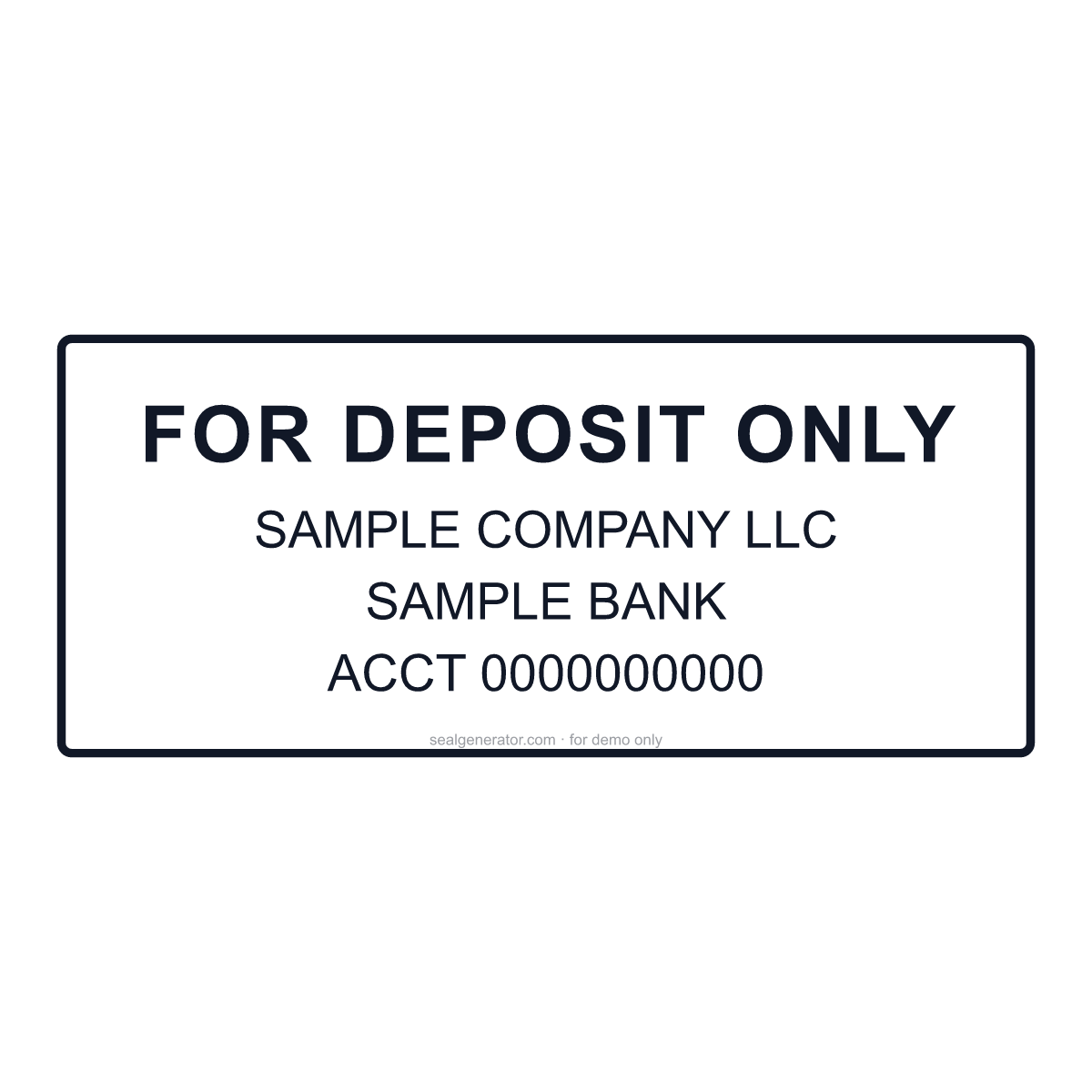
Design the rectangular FOR DEPOSIT ONLY stamp businesses press on the back of incoming checks — the restrictive endorsement, the payee's name, the bank and the account number, sized to fit the endorsement area.
Make this seal your own
Open this template in the free online editor to change the text, fonts, colors and size, then export a transparent PNG or vector SVG.
Customize in editorAt a glance
- Shape
- Rectangular stamp
- Ink colour
- #111827
- Typeface
- Arial
- First line
- FOR DEPOSIT ONLY
- Lines
- 4 lines
- Border
- Single ring
About this seal
“For deposit only” is a restrictive endorsement: it tells the bank the check may only be credited to the payee's account, so a lost or stolen check cannot simply be cashed. Businesses that receive many checks use a stamp for it, typically with the business name as payee, the bank name and the account number — many show only the last few digits. Banks increasingly ask for specific wording for mobile deposits, such as “For mobile deposit only at [bank]”, so check your bank's requirement before ordering.
Common uses
- Endorsing customer checks before a branch or ATM deposit
- Mobile-deposit endorsements with your bank's required wording
- Accounts-receivable and lockbox workflows
- Small businesses, churches and clubs collecting checks
How to create it
- Open the template — the rectangular endorsement layout is pre-applied.
- Keep FOR DEPOSIT ONLY, or change it to your bank's mobile-deposit wording.
- Enter the business name exactly as checks are made out to it.
- Add your bank name and account number, or just its last digits.
- Export a transparent PNG, SVG or PDF, or print it on your stamp order.
Frequently asked questions
What should a For Deposit Only stamp say?
At minimum FOR DEPOSIT ONLY and the payee's name. Most businesses add the bank and the account number, and some banks require wording like “For mobile deposit only at [bank]” for app deposits.
Where does the endorsement go?
On the back of the check, inside the endorsement area near the top (trailing) edge. Keep the stamp small enough — roughly 2.5 × 1 inches or less — to fit there.
Legal & usage
Stamps render in your browser for design and demonstration. Only show an account number that belongs to you or your business, and confirm the exact endorsement wording with your bank.
Related templates
Read more
- US Corporate Seals: Optional by Law, Still in the DrawerNo US state requires a corporate seal, yet embossers still appear on stock certificates and documents sent abroad. What state law says and how to go digital.
- How to Design a Company Seal: A Complete GuideEvery element of a company seal (ring text, fonts, center star, borders, anti-counterfeit codes) and how to combine them into a clean, balanced design.
- How to Add a Seal to a PDF or Word DocumentStep-by-step: export a transparent seal and place it cleanly into Word, PDF, or an image, over the content without pushing it around.
- How to Create a Transparent PNG SealWhy seals need a transparent background, how to export one, when to use high-resolution or SVG instead, and how to place it cleanly into documents and images.