
Duplicate Stamp Generator
Make a DUPLICATE stamp for re-issued invoices, receipts and certificates.
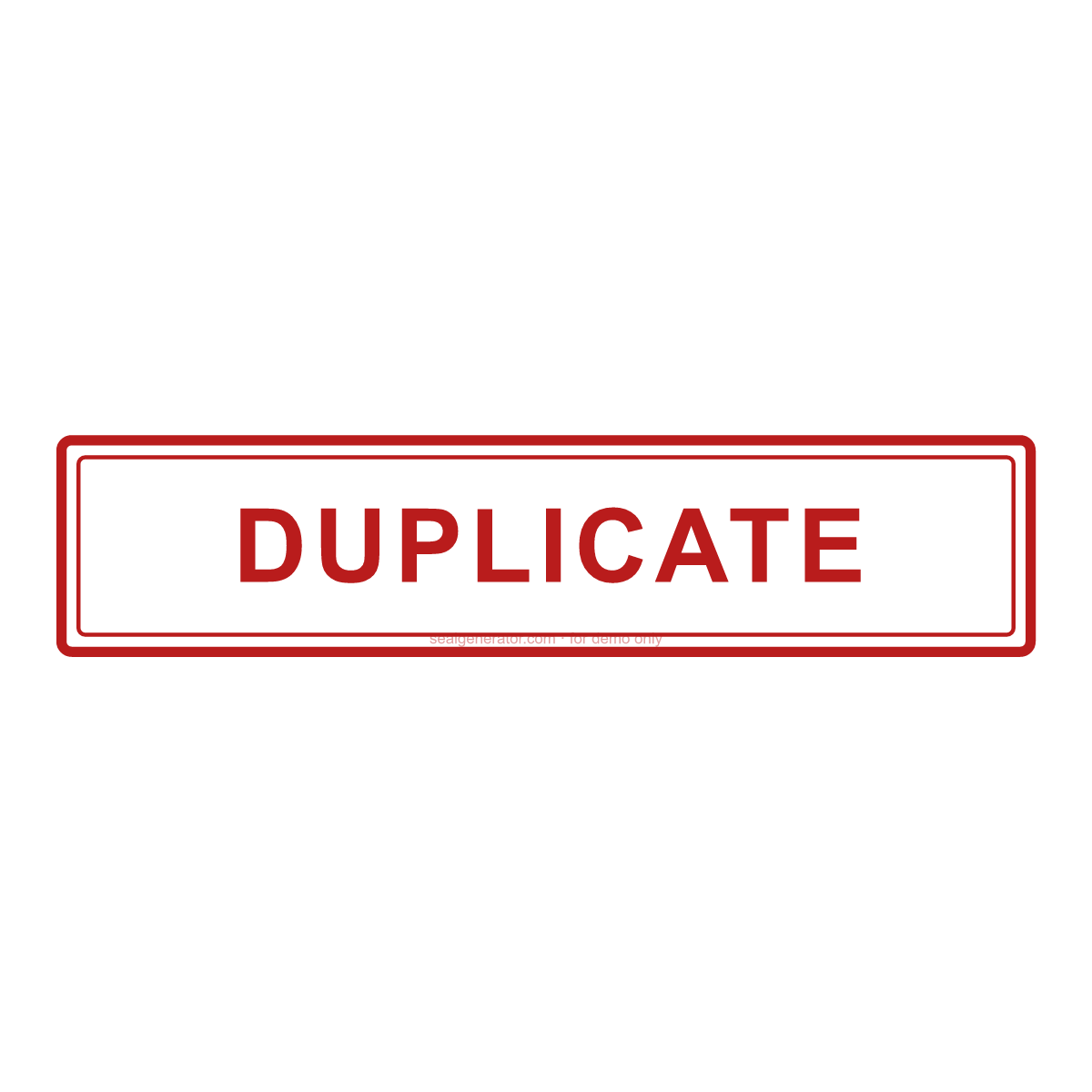
Make this seal your own
Open this template in the free online editor to change the text, fonts, colors and size, then export a transparent PNG or vector SVG.
Customize in editorAt a glance
- Shape
- Rectangular stamp
- Ink colour
- #B91C1C
- Typeface
- Arial
- First line
- DUPLICATE
- Lines
- 1 lines
- Border
- Double ring
About this seal
DUPLICATE marks a second issue of a document whose original was already sent — a reprinted invoice, a replacement receipt, a re-issued certificate. It protects against the same bill being paid twice and tells the reader this is not a new document.
Common uses
- Reprinted invoices and statements
- Replacement receipts
- Re-issued certificates and cards
- Customer copies of delivery notes
How to create it
- Open the template — the red rectangular box stamp reading “DUPLICATE” is pre-applied.
- Edit the wording, or add a line underneath for a date, initials or a reference number.
- Change the colour if your office uses a different convention — red is the usual choice for this stamp.
- Download a transparent PNG (or SVG with Pro).
- Place it on a PDF or Word file with the document stamp tools, or print it on labels.
Frequently asked questions
What is the difference between DUPLICATE and COPY?
DUPLICATE is usually a second issue produced by the issuer; COPY is any reproduction of a document. Both say “this is not the original”.
Should a duplicate invoice carry a new number?
Normally no — it repeats the original invoice number, which is exactly why the DUPLICATE mark matters.
Legal & usage
An office stamp is a status marking, not a signature, certification or official classification. Use it on documents you are entitled to annotate, and do not use it to misrepresent a document's status to others.
Related templates
Read more
- Are Image Seals Legally Valid?A generated seal image looks official, but does it carry legal weight? What an image seal can and can't do, the risks of misuse, and lawful ways to use it.
- How to Design a Company Seal: A Complete GuideEvery element of a company seal (ring text, fonts, center star, borders, anti-counterfeit codes) and how to combine them into a clean, balanced design.
- How to Add a Seal to a PDF or Word DocumentStep-by-step: export a transparent seal and place it cleanly into Word, PDF, or an image, over the content without pushing it around.
- How to Create a Transparent PNG SealWhy seals need a transparent background, how to export one, when to use high-resolution or SVG instead, and how to place it cleanly into documents and images.