
Reviewed Stamp Generator
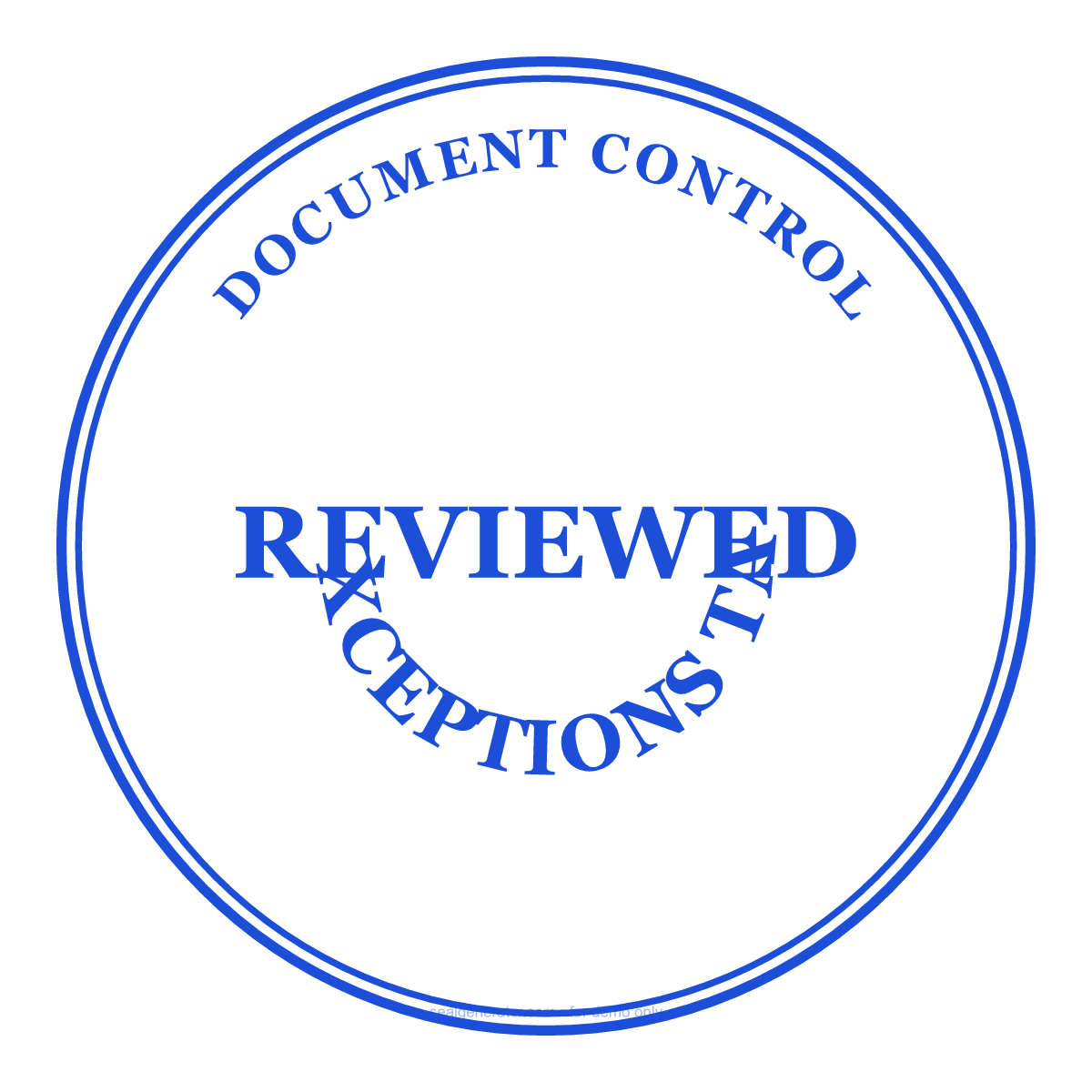
Design a REVIEWED stamp for document-control workflows — ideal for drawings, submittals, reports and internal review packets.
Make this seal your own
Open this template in the free online editor to change the text, fonts, colors and size, then export a transparent PNG or vector SVG.
Customize in editorAt a glance
- Shape
- Round
- Ink colour
- #1D4ED8
- Centre element
- REVIEWED
- Typeface
- Georgia
- Ring text
- DOCUMENT CONTROL
- Bottom text
- NO EXCEPTIONS TAKEN
- Border
- Double ring
About this seal
A reviewed stamp records that a document has passed a review step, without necessarily granting final approval. Engineering, construction, legal and administrative teams use REVIEWED, REVIEWED AS NOTED or NO EXCEPTIONS TAKEN stamps to route controlled documents consistently.
Common uses
- Engineering drawing and submittal review
- Document-control routing
- Internal report and policy review
- Client review comments and status marking
How to create it
- Open the template — REVIEWED is already centered.
- Edit the top arc to your department or document-control team.
- Set the bottom status text, such as NO EXCEPTIONS TAKEN.
- Pick a status color and export the finished stamp.
- Use the PDF stamp tool to place it on drawings or reports.
Frequently asked questions
Is REVIEWED the same as APPROVED?
No. REVIEWED usually means a document has been checked, while APPROVED indicates authorization. You can create both variants.
Can I change the wording?
Yes. Change the center and bottom text to REVIEWED AS NOTED, REVISE AND RESUBMIT or your own status.
Legal & usage
Generated stamps are for authorized review workflows and mock-ups. Do not imply approval or professional sign-off unless your process allows it.
Read more
- Are Image Seals Legally Valid?A generated seal image looks official, but does it carry legal weight? What an image seal can and can't do, the risks of misuse, and lawful ways to use it.
- How to Design a Company Seal: A Complete GuideEvery element of a company seal (ring text, fonts, center star, borders, anti-counterfeit codes) and how to combine them into a clean, balanced design.
- How to Add a Seal to a PDF or Word DocumentStep-by-step: export a transparent seal and place it cleanly into Word, PDF, or an image, over the content without pushing it around.
- How to Create a Transparent PNG SealWhy seals need a transparent background, how to export one, when to use high-resolution or SVG instead, and how to place it cleanly into documents and images.